OS
X Leopard 071031
“Stacks”
— An Unmitigated Disaster
Subtitle:
The Ugliest Thing You Have Ever Seen in the Mac GUI
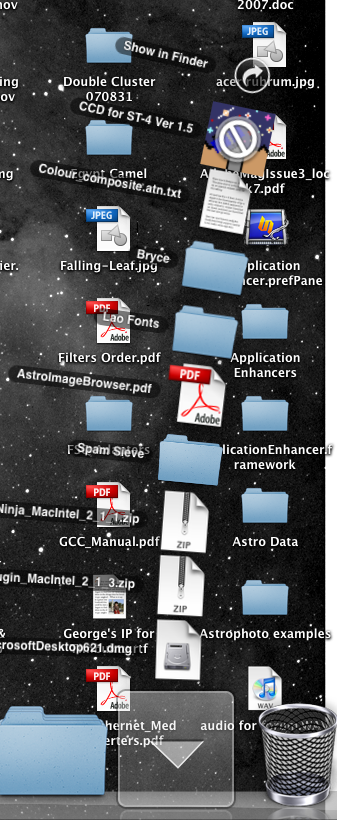 |
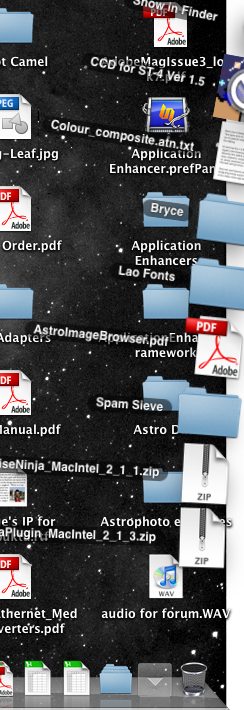
At left is what I see if I click the “Downloads” folder
at the right side of the Dock on my 24" Intel iMac. This is the ugliest, most confused presentation of information that I have seen an any OS. The Mac OS is the last place I would expect to see such an appalling mess.
To see the entire contents of the “Downloads” folder, click the curved arrow in the circle at the top of the “Stack.”
at the right side of the Dock on my 24" Intel iMac. This is the ugliest, most confused presentation of information that I have seen an any OS. The Mac OS is the last place I would expect to see such an appalling mess.
To see the entire contents of the “Downloads” folder, click the curved arrow in the circle at the top of the “Stack.”